Simple technology help
Practical guides for everyday technology
Find clear, step-by-step help for phones, computers, internet connections, apps, accessories and smarter buying decisions. Each guide is written for everyday users, with important limitations and safety warnings explained before you make a change or spend money.
Browse by topic
Mobile help
Network, Android settings, everyday phone problems and safer ways to improve your experience.
Computer tips
Buying, maintaining and using computers without confusing technical language.
Buying guides
Compatibility, real-world limitations, value and checks to complete before purchasing.
Latest guides
New and recently updated articles appear here automatically.
-

21 Useful AI Chatbot Tricks for Everyday Life
Try 21 practical AI chatbot ideas for messages, learning, phone help, planning, shopping and family tasks—with copy-and-edit prompts.
-
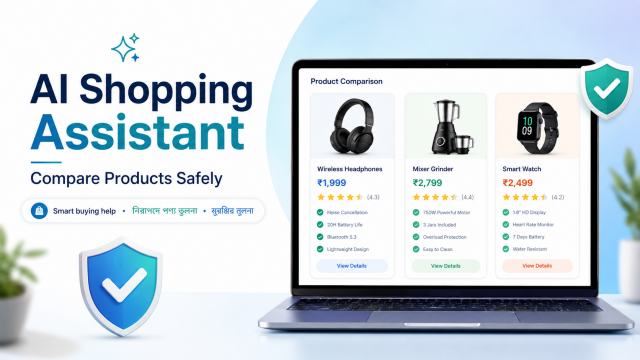
AI Shopping Assistant Guide: Compare Products Safely
Use AI to define needs, translate specifications, compare listings and analyse reviews—then verify the exact product, seller and warranty yourself.
-

AI Chatbot Privacy Guide: What You Should Never Share
Protect passwords, OTPs, identity documents, private files and family information with a simple AI-chat privacy and redaction checklist.
-

How to Check AI Answers: 10 Simple Fact-Checking Steps
Use the STOP-CHECK method to verify chatbot answers, citations, dates, product details and high-stakes advice before trusting or sharing them.
-

AI Chatbot Prompt Guide: 25 Easy Prompts for Beginners
Learn a simple five-part prompt formula and copy 25 practical AI prompts for messages, learning, phone help, shopping and daily planning.
-
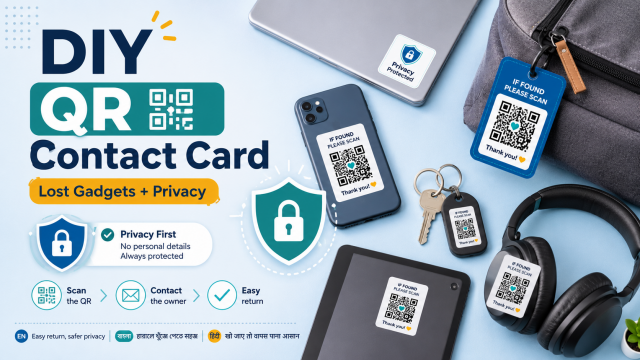
DIY QR Contact Card for Lost Gadgets: Share Less Personal Data
Create a privacy-conscious QR return card for a gadget bag or case without exposing your home address, passwords or sensitive identity details.
-
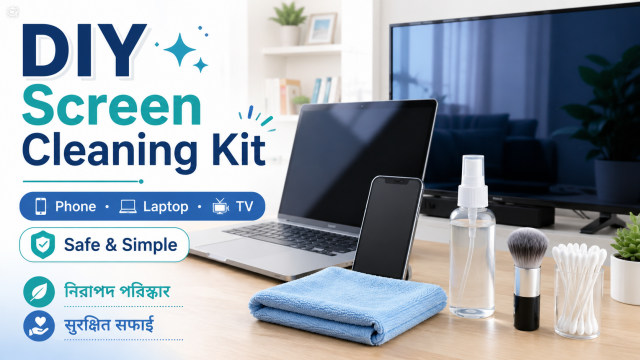
DIY Screen Cleaning Kit: Safe Routine for Phone, Laptop and TV
Assemble a simple screen-cleaning kit and follow a device-safe routine without spraying liquid directly or using rough household cleaners.
-
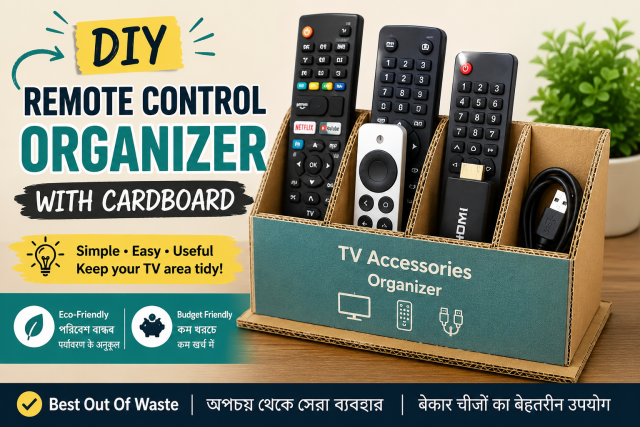
DIY Remote Control Organizer From Cardboard: Keep TV Accessories Together
Make a simple open cardboard organiser for TV remotes, streaming remotes and small accessories without blocking device ventilation or signals.
-
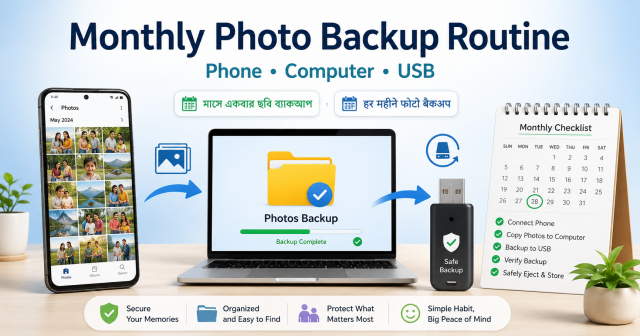
DIY Monthly Photo Backup Routine: Phone, Computer and USB Copy
Set up a repeatable monthly photo-backup habit with a verified cloud or computer copy and a separate USB or external-drive copy.
Before following a guide
- Confirm your exact device, model, app version or service plan.
- Back up important information before resets, storage changes or major settings changes.
- Prefer official apps, documentation and authorised service support.
- Do not expect guaranteed speed, battery, charging or performance results.
- Stop when an instruction seems unsafe or is outside your experience.
Learn more about our standards in the Editorial Policy and Disclaimer.
Cannot find the answer?
Search first, then use our Contact page to suggest a useful future article or video. Please do not send passwords, payment details or other sensitive personal information.