Simple technology help
Practical guides for everyday technology
Find clear, step-by-step help for phones, computers, internet connections, apps, accessories and smarter buying decisions. Each guide is written for everyday users, with important limitations and safety warnings explained before you make a change or spend money.
Browse by topic
Mobile help
Network, Android settings, everyday phone problems and safer ways to improve your experience.
Computer tips
Buying, maintaining and using computers without confusing technical language.
Buying guides
Compatibility, real-world limitations, value and checks to complete before purchasing.
Latest guides
New and recently updated articles appear here automatically.
-
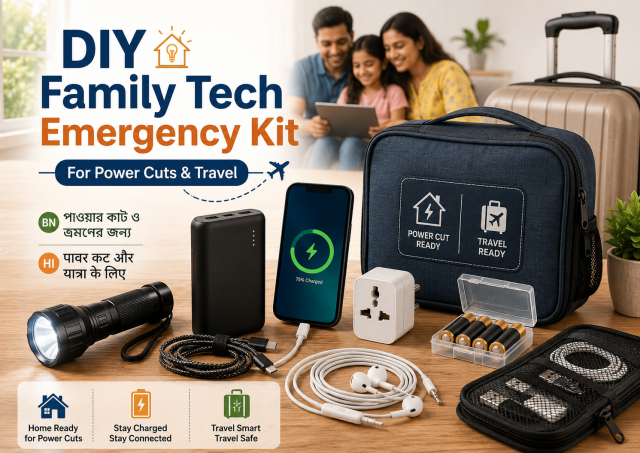
DIY Family Tech Emergency Kit for Power Cuts, Travel and Phone Trouble
Build a small, labelled family tech kit for short power cuts, travel and common phone problems without unsafe battery storage or unnecessary gadgets.
-
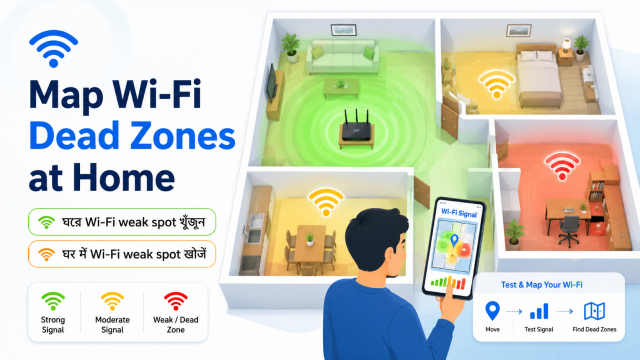
Make a Wi-Fi Dead Zone Map at Home: DIY Room-by-Room Test
Create a simple room-by-room Wi-Fi map using the same phone and repeatable tests before spending money on an extender or mesh system.
-

DIY Laptop Riser With Household Items: Better Height and Airflow
Raise a laptop safely with stable household items, protect airflow and learn when an external keyboard and proper stand are better choices.
-
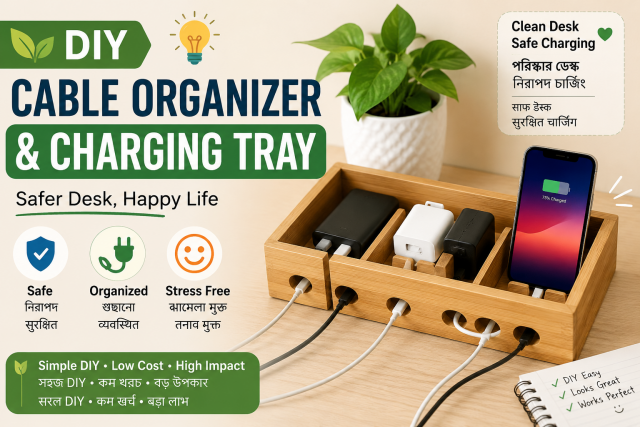
DIY Cable Organizer and Charging Tray: A Safer Clutter-Free Desk
Organise phone and laptop cables with an open, ventilated charging tray that avoids hidden adapters, tight bends and confusing labels.
-
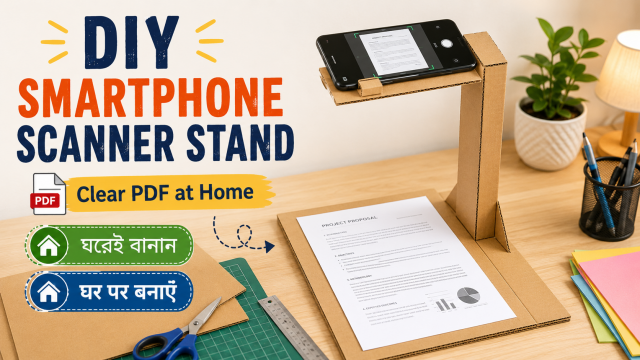
DIY Smartphone Document Scanner Stand: Clear PDFs Without Shadows
Create a simple overhead phone scanning setup for receipts, notes and non-sensitive documents, with better alignment and fewer shadows.
-
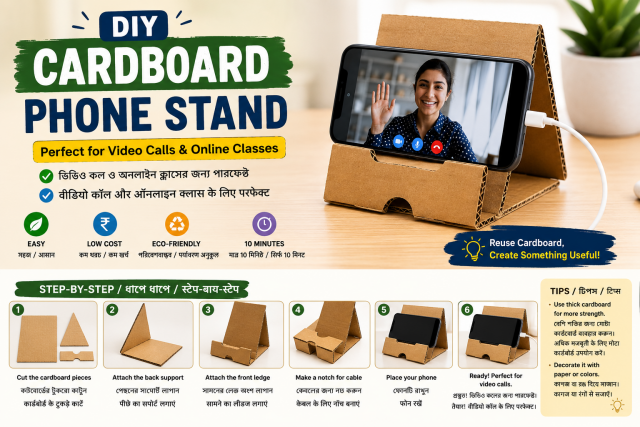
DIY Cardboard Phone Stand: Easy 15-Minute Project for Video Calls
Make a stable cardboard phone stand for video calls, recipes and study sessions using simple household materials and a phone-safe design.
-

TWS Earbuds Buying Guide: Fit, Microphone, Battery and Safe Listening
A practical earbud checklist for calls, travel and music, with safe-listening advice and realistic battery expectations.
-

Smart TV Buying Guide for Indian Homes: Size, Ports and Warranty
A practical TV checklist for normal homes, focusing on room fit, content, ports, service and long-term ease of use.
-
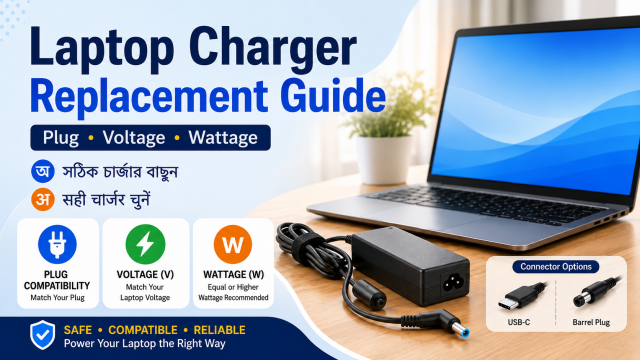
Laptop Charger Replacement Guide: Plug, Voltage and Wattage
A simple adapter-label checklist that helps avoid wrong plugs, weak chargers and misleading compatibility claims.
Before following a guide
- Confirm your exact device, model, app version or service plan.
- Back up important information before resets, storage changes or major settings changes.
- Prefer official apps, documentation and authorised service support.
- Do not expect guaranteed speed, battery, charging or performance results.
- Stop when an instruction seems unsafe or is outside your experience.
Learn more about our standards in the Editorial Policy and Disclaimer.
Cannot find the answer?
Search first, then use our Contact page to suggest a useful future article or video. Please do not send passwords, payment details or other sensitive personal information.